A controller failure, a replaced drive or an accidental overwrite can turn a well-characterised winding process into a guessing exercise. Shops often discover this only after a restore: the program loads, the machine moves, and the first parts are subtly different because a tension offset, a reversal delay or a scaling factor was stored somewhere outside the exported file. Backing up the program without proving that the whole setting set travels with it is a false sense of security.
This tutorial describes a routine that treats a restore as a controlled change rather than an IT task. It assumes no particular controller brand, and it deliberately stops short of telling you where your settings live; finding that out on your own machine is the first and most valuable step.

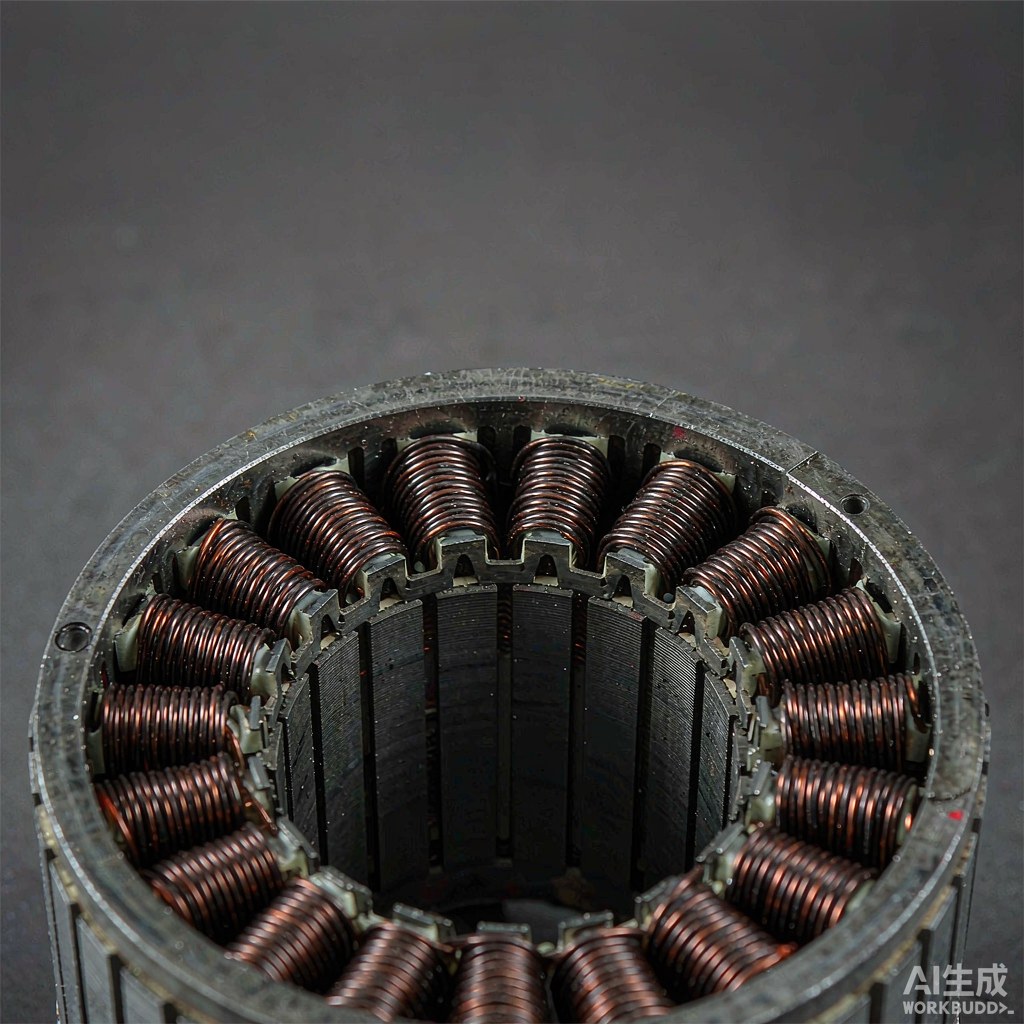
Fig. 1 - Control cabinet and operator interface of production equipment. Illustrative image, AI-generated. Not a product photograph or a measurement record.
1. Freeze the Approved Version Before You Copy Anything
A backup is only useful if you know what it represents. Give the approved configuration an identifier that links it to a part number, a machine and a date, and record why that version is the approved one. Include a short note on any recent change and on the first-article result associated with it. Without that context, a folder of similarly named files becomes a library of unlabelled candidates, and the temptation is to pick the newest rather than the correct one.
Also decide who can approve a new version. A restore from an old file is a process change, and an unrecorded edit to a live program is a process change too. A simple rule - one approved version per part per machine, with a written reason for any change - prevents most of the confusion that follows an incident.
2. Map Where the Settings Actually Live
Winding behaviour usually depends on several groups of data: the part program with traverse and turn count, axis or scaling parameters, tension settings and any calibration of the tensioner, reversal and start-stop behaviour, temperature or bonding steps where used, and operator-level defaults in the human machine interface. Some of these sit in the part file, some in machine parameters and some in the drive or an external module. Ask the supplier to list them, then verify the list on the machine rather than accepting it as complete.
Make a one-page map for each machine: setting group, where it is stored, how it is exported, and who can change it. That map is the real backup specification. It also reveals which items cannot be exported at all and must instead be re-entered from a controlled sheet, which is a limitation worth knowing before a failure rather than during one.
3. Export Everything Together and Keep It Readable
Export the complete set in one operation where the controller allows it, or in a defined sequence of exports where it does not. Store the files in a folder named for the approved version, with a plain text manifest listing each file, its source and a checksum or file size. Avoid relying on a single binary archive that only one piece of software can open; a human-readable copy of the key settings is invaluable when the original tool is no longer available.
Keep at least one copy off the machine itself. A backup stored only on the controller is lost with the controller. At the same time, control access to the copies: an editable file on a shared drive can be changed by anybody, which quietly turns a controlled version into an uncontrolled one. Read-only storage with a change log is a reasonable middle ground.
| Step | What to capture | Common gap |
|---|---|---|
| Freeze | Version ID, part, machine, date and reason | Files saved without knowing which version is approved |
| Export | Program, axis, tension, reversal and interface settings | Only the part file is exported |
| Prove restore | Values loaded on another controller and compared | Restore assumed to work because the file opens |
| Re-run first article | A real part checked against the original record | Production restarted on a visual check only |
| Log | Who restored, when, and what was compared | No record that a process change occurred |
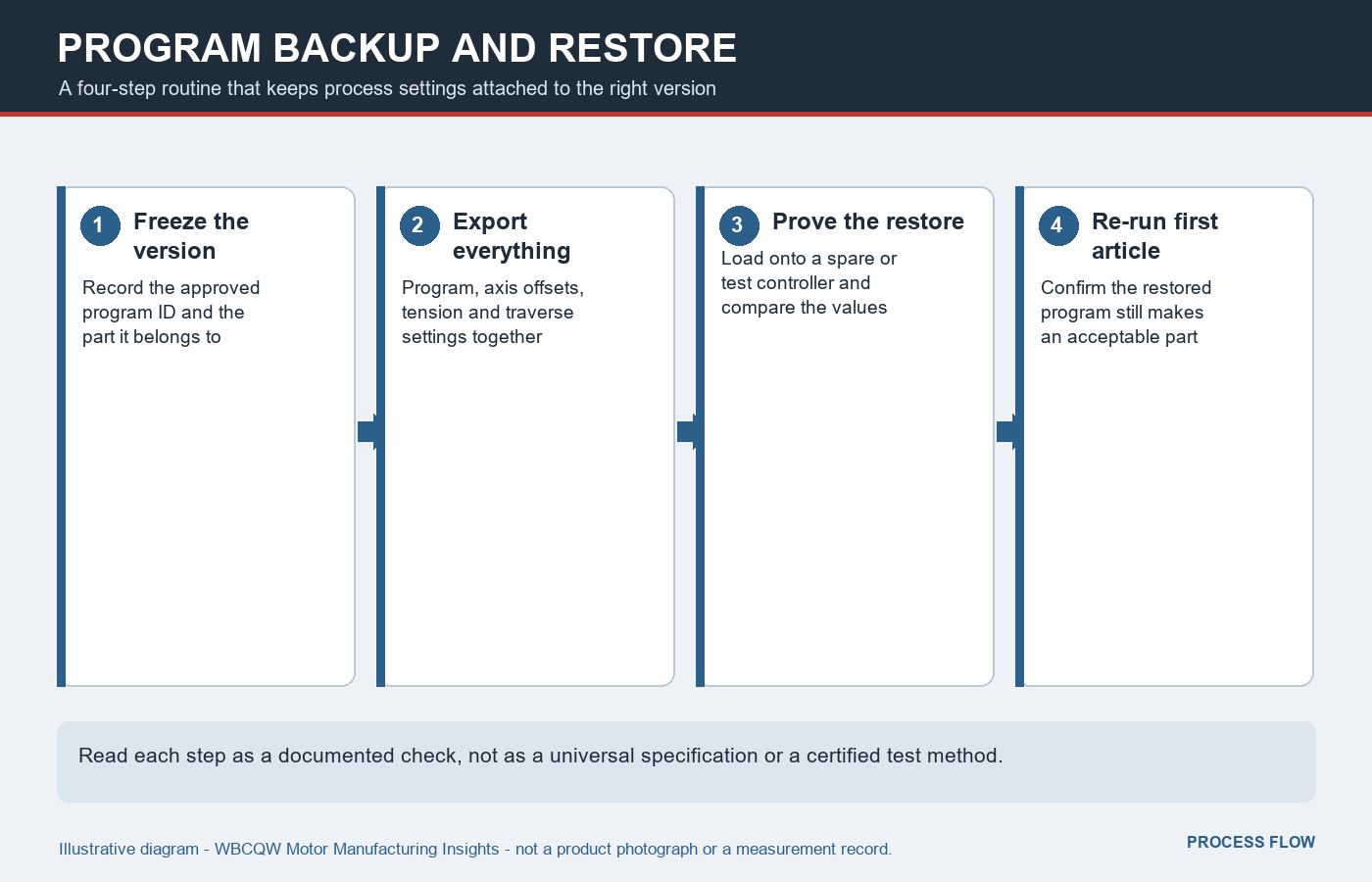
Fig. 2 - Freeze, export, prove the restore and re-run first article. Illustrative diagram, not a product photograph or a verified test result.
4. Prove the Restore on Another Controller
The only convincing test is a restore. Load the backup onto a spare controller, a test machine or a clearly isolated configuration, then compare the loaded values against the approved setting sheet item by item. Do this before you need it. A file that opens without an error can still contain default values in fields that were never exported, and a machine can run with a plausible but wrong scaling factor for weeks before anyone notices.
Where a second controller is not available, use a dry run that displays the loaded parameters and record the comparison with a screenshot or a signed sheet. State this limitation explicitly in the procedure. It is better to know that the restore has only been partially demonstrated than to discover it during an unplanned stoppage.
5. Re-Run First Article After Any Restore
A restore is a change to the process, so it deserves the same treatment as a new program: wind a first article, inspect it against the original first-article record, and only then release the machine. Compare the measurements and the appearance that matter for the part, plus the tension behaviour at the start and end of a layer. If a bonding or heat step is involved, confirm that its settings survived the restore as well.
Record the result next to the version ID. If the part differs, resist the urge to tweak settings until it looks right; that creates an unlabelled new version. Go back to the map of settings, find the field that did not travel, and fix the backup procedure first. A single controlled correction is far easier to audit than several small undocumented adjustments.
6. Limits and a Short Routine Checklist
Backups protect against data loss, not against drift in mechanics, wear parts or the tensioner itself. A perfectly restored program on a machine with a worn guide will still produce different parts. That is why the restore record and the maintenance record should be read together, and why first article remains necessary even when the file comparison is flawless.
A practical routine fits into a short checklist.
Give every approved configuration one identifier linking part, machine and date.
Map all setting groups and note any that cannot be exported.
Export the whole set with a readable manifest and an off-machine copy.
Test a restore on another controller and compare values item by item.
Re-run first article after every restore and record the result.
Log the restore as a process change with the operator and time.
The point of a backup is not the file. It is being able to return to a known process state and demonstrate, with a part in hand, that you actually did.